On this page
These errors often appear right after an upgrade or a plugin update, sometimes only on one page or in one scheduled task. StorePulse looks for them in the last seven days of the log and for plugins nopCommerce refused to load.
nopCommerce 5.00 admin
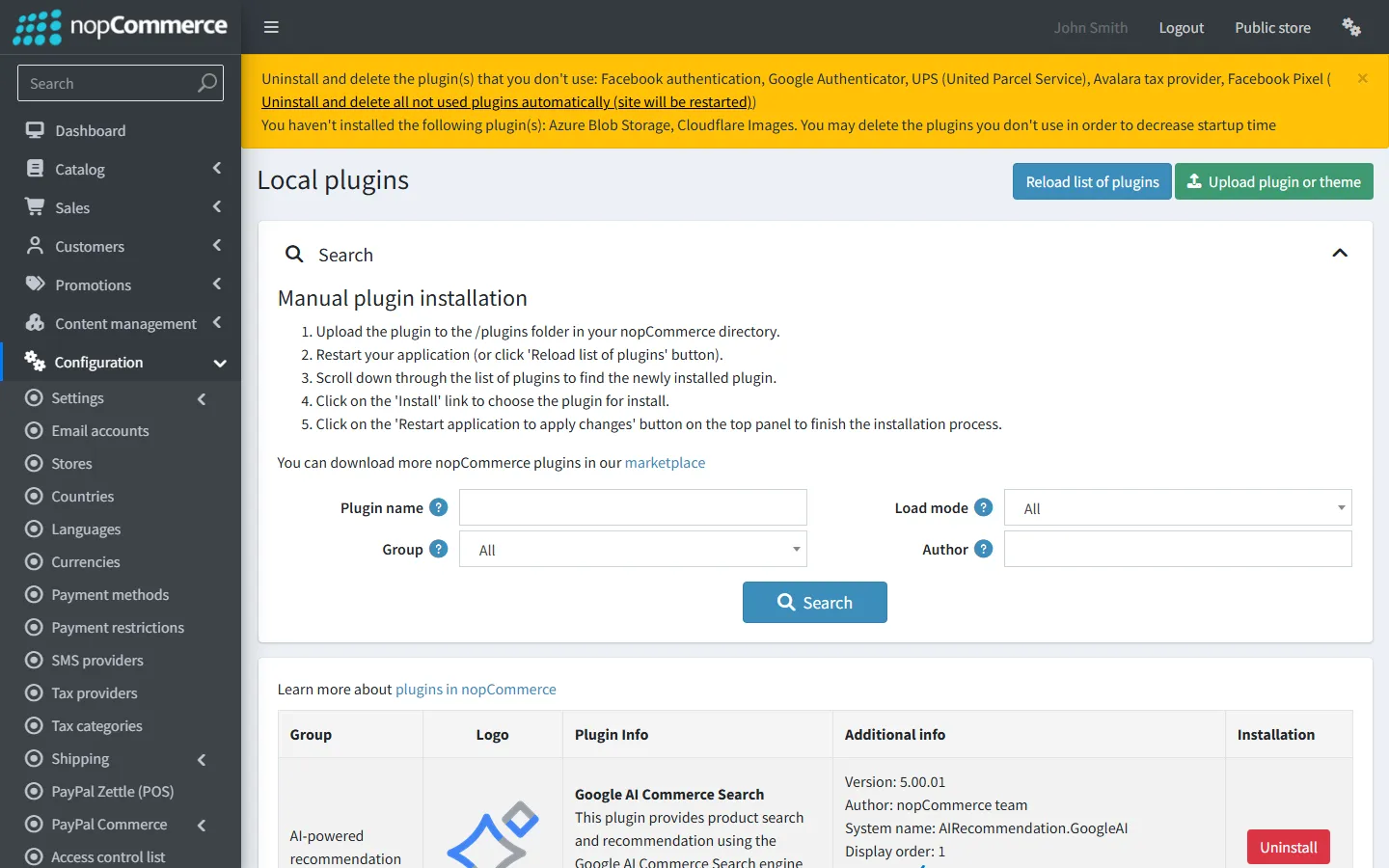
Plugins that failed to load
StorePulse check PLUGIN-004
What StorePulse checks
Plugins that nopCommerce marked as incompatible at start-up, plus errors in the last seven days whose message contains MissingMethodException, “Method not found”, TypeLoadException, “Could not load type” or “Could not load file or assembly”.
Why it matters
A plugin that didn’t load leaves its feature missing, such as a payment method or a shipping rate. A plugin that loads but calls methods that no longer exist fails only when that code runs, which can be checkout.
Common causes
- A plugin built against another nopCommerce version, such as a 4.70 plugin on 4.90.
- Two plugins shipping different versions of the same library, such as a payment SDK.
- A plugin folder uploaded without all of its files.
- Old DLLs left in a plugin folder after an update.
How to fix it
- Open System → Warnings. It lists plugins that weren’t loaded and why.
- Open System → Log and read the full error. The stack trace names the plugin assembly or library.
- Replace the plugin with the build for your nopCommerce version. Delete the old plugin folder first, so no old DLLs remain.
- If two plugins conflict over a library, ask both vendors for builds that use the version nopCommerce ships.
- Restart the application and scan again.
What each error means
All three come from .NET when compiled code doesn’t match what is loaded at run time.
- Method not found (MissingMethodException): the plugin calls a nopCommerce method whose signature changed or was removed.
- Could not load type (TypeLoadException): the plugin uses a class that no longer exists or moved.
- Could not load file or assembly: a library the plugin needs is missing, or a different version is already loaded.
If it’s your own plugin, rebuild it against the version you run. Our tutorial shows how to update a plugin for nopCommerce 5.0.
If the vendor no longer supports the plugin, we can fix or rebuild an incompatible plugin.
Frequently asked questions
Why does a plugin work on staging but fail on production?
Usually because the production plugin folder has extra or older DLLs, or production has another plugin that loads a different library version. Compare the folders and the installed plugin list.
Check your store with StorePulse
StorePulse is a free, read-only nopCommerce plugin from Cartenvo. It runs these checks and 51 more in a few seconds, explains each result and links back to the guide for it. It works on nopCommerce 4.80 and 4.90 and 5.00 and sends no data outside your server.
Rather have someone fix it for you? Email contact@cartenvo.com with what StorePulse found and we will tell you what it takes.
If this keeps happening, we can fix it
If these errors started with an upgrade and keep coming back, our nopCommerce upgrade service can rebuild and test your plugins on the new version.