- Plugin
- Free
Product Data Exchange for nopCommerce
A free plugin for importing and exporting products with their related catalog data. It moves Excel workbooks and portable ZIP packages between stores, checks them before import and runs the import as a reviewed background job.
- nopCommerce
- 4.80
- .NET
- 9
- Version
- 4.80.48
- Licence
- Apache 2.0
Free download
Apache License 2.0
Free
No account or payment needed.
What it does
Reviewed product transfers between nopCommerce stores.
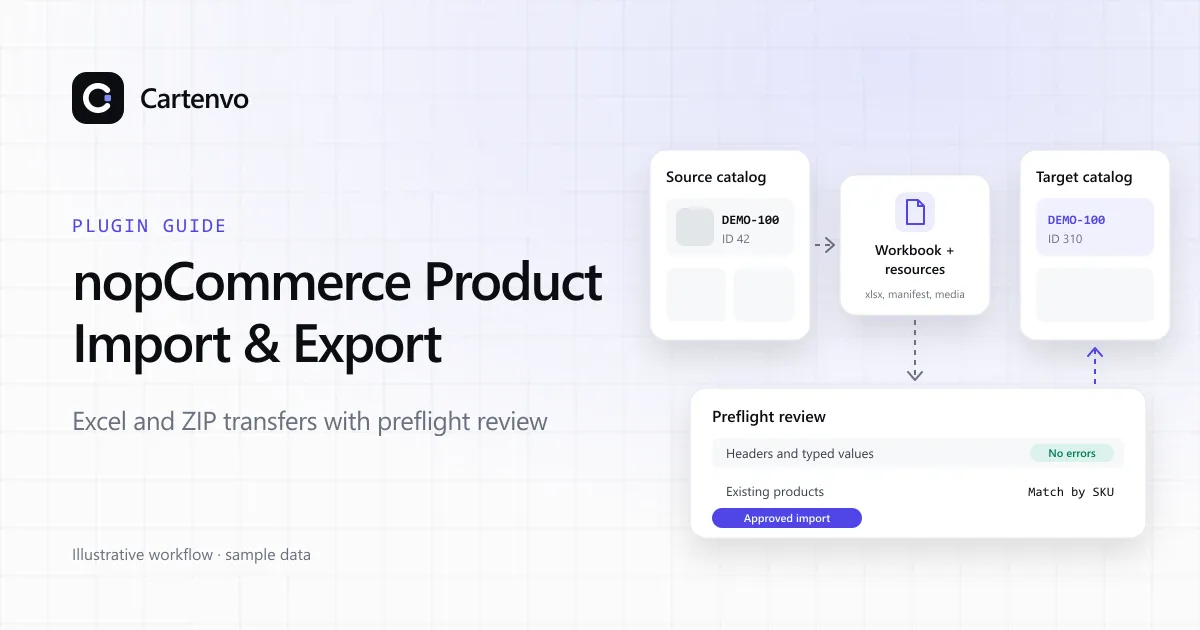
nopCommerce already imports and exports products with Excel. This plugin adds the package, matching and approval steps a larger catalog transfer needs.
Excel workbooks
Dedicated worksheets for products and their related catalog records, built on nopCommerce’s own Excel import and export.
Portable ZIP packages
A workbook, a manifest and selected pictures, videos and downloads travel together in one package.
Preflight review
Headers and typed values are checked before anything changes, and an administrator approves the import.
SKU-based matching
Products and related records are matched by policy instead of copying database IDs from another store.
Background jobs
Imports run as persisted jobs with progress checkpoints, logs and downloadable results.
Pre-import export
Affected catalog data is exported before an import, where applicable, so you can compare afterwards.
What it transfers
- Base products and localized properties
- Categories, manufacturers and product tags
- Product attributes, combinations and specification attributes
- Tier prices and warehouse inventory
- Pictures, videos and downloadable files
- Store and access-control mappings
- Related, cross-sell, associated and required products
What it doesn’t cover
- Orders, customer accounts and discount mappings
- Custom fields added by your own project
- A full database backup or automatic rollback; keep your own backups
- ERP synchronization or a complete store migration
Imports are not one database transaction, so a failure part-way through can leave partial changes. Test on a staging copy first. The plugin guide covers installation, limits and common spreadsheet mistakes.
Need it adapted to your catalog?
Custom fields, matching rules or an ERP feed need their own design and testing. We can extend the plugin or build a transfer for your store as a custom plugin project.